Free Online Collage Maker — Your Creative Canvas
Create photo collages online in seconds — grid layouts, image stitching, plus text, arrows, and shape annotation tools. All processing happens locally in your browser. Zero uploads, zero watermarks, zero logins.
Start Creating for Free →Why Most Collage Makers Fall Short
We understand. That’s why we created this tool.
Software Too Complex
Want to arrange travel photos into a creative grid but get overwhelmed by professional software with complicated interfaces.
Tool Limitations
Trying to stitch a long chat history but find most tools limit quantity, crop quality, or output incorrect dimensions.
Privacy Concerns
Uploading personal photos to unknown servers always feels uneasy.
Photo Collage Maker with Built-in Annotation Tools
Go beyond basic collage making — add text, arrows, rectangles, and circles directly on your photo collage, fully compatible with both layout and stitching modes, all within the same free online tool.
-
Canvas Text Tool
Add text anywhere on the canvas. Modify color, size via floating toolbar; double-click to edit content directly. -
Canvas Arrow Tool
Add fully customizable vector arrows. Drag start/end points and rotation handles to adjust freely, with instant color/thickness changes. -
(New!) Rectangles & Circles
Easily highlight key areas or create compositions with ellipses. All shapes support free dragging, 8-way scaling, and style customization.
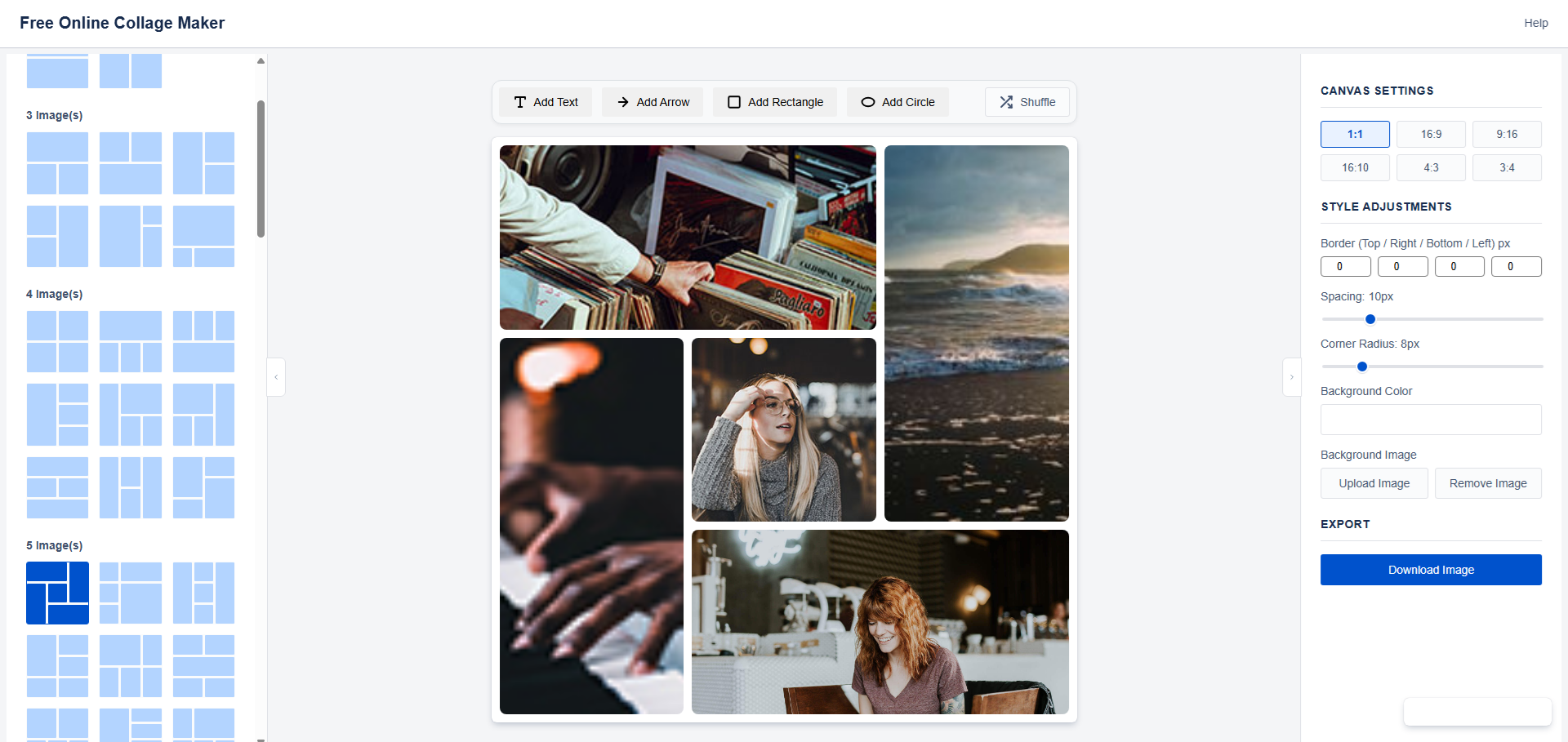
Grid Photo Collage — Professional Layout Control
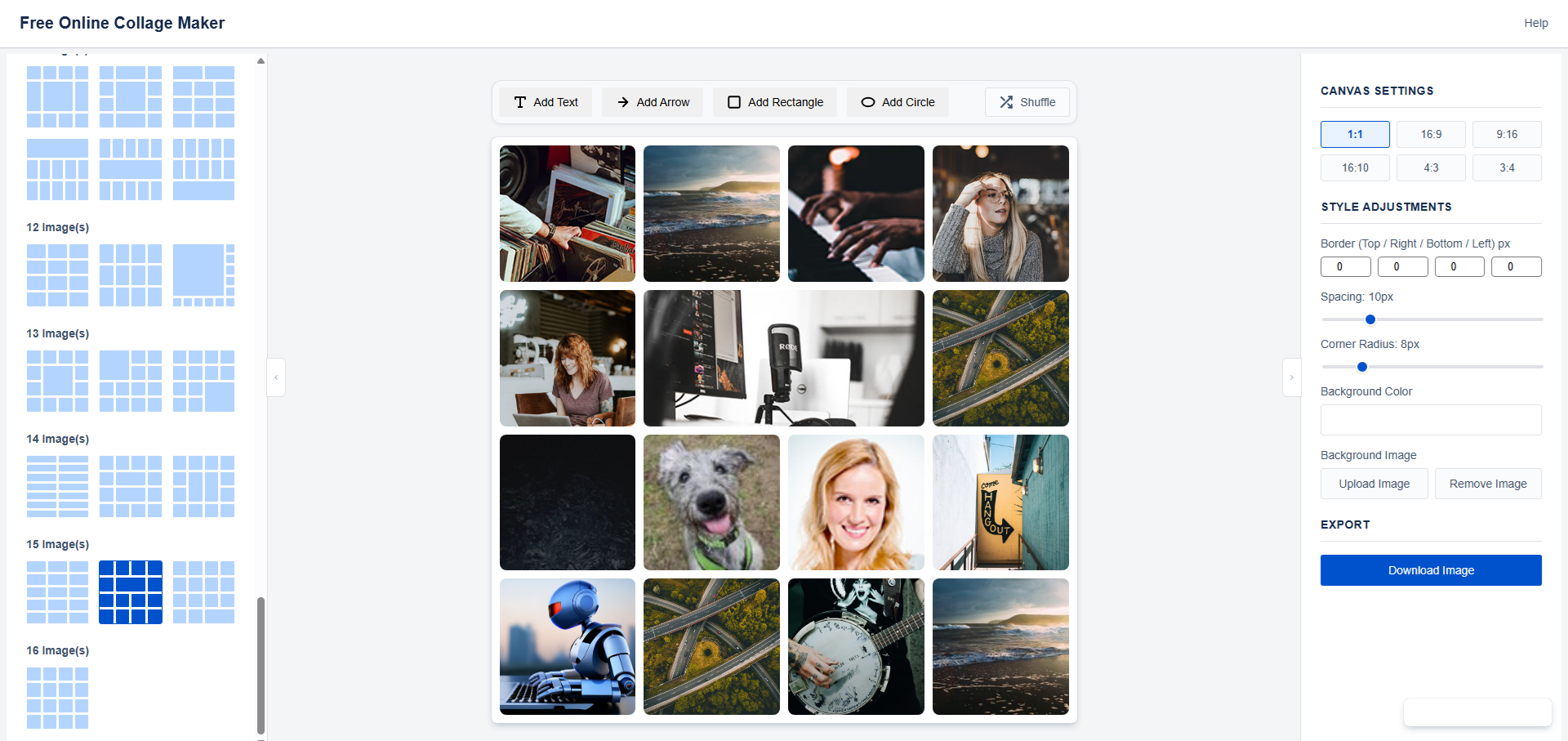
Choose from templates for 2–16 images and craft unique grid photo collages with intuitive drag, pan, and zoom controls.
-
Diverse Layout Templates
Built-in professional layouts for 2 to 16 images, catering to all scenarios. -
Real-Time Drag Adjustments
Drag dividers to customize cell sizes; swap image positions; hold Alt to pan images for precise composition. -
(New!) Image Zoom & Pan
Zoom images via mouse wheel, pinch gestures, or dedicated buttons; fine-tune positions with keyboard arrows for pixel-perfect control.
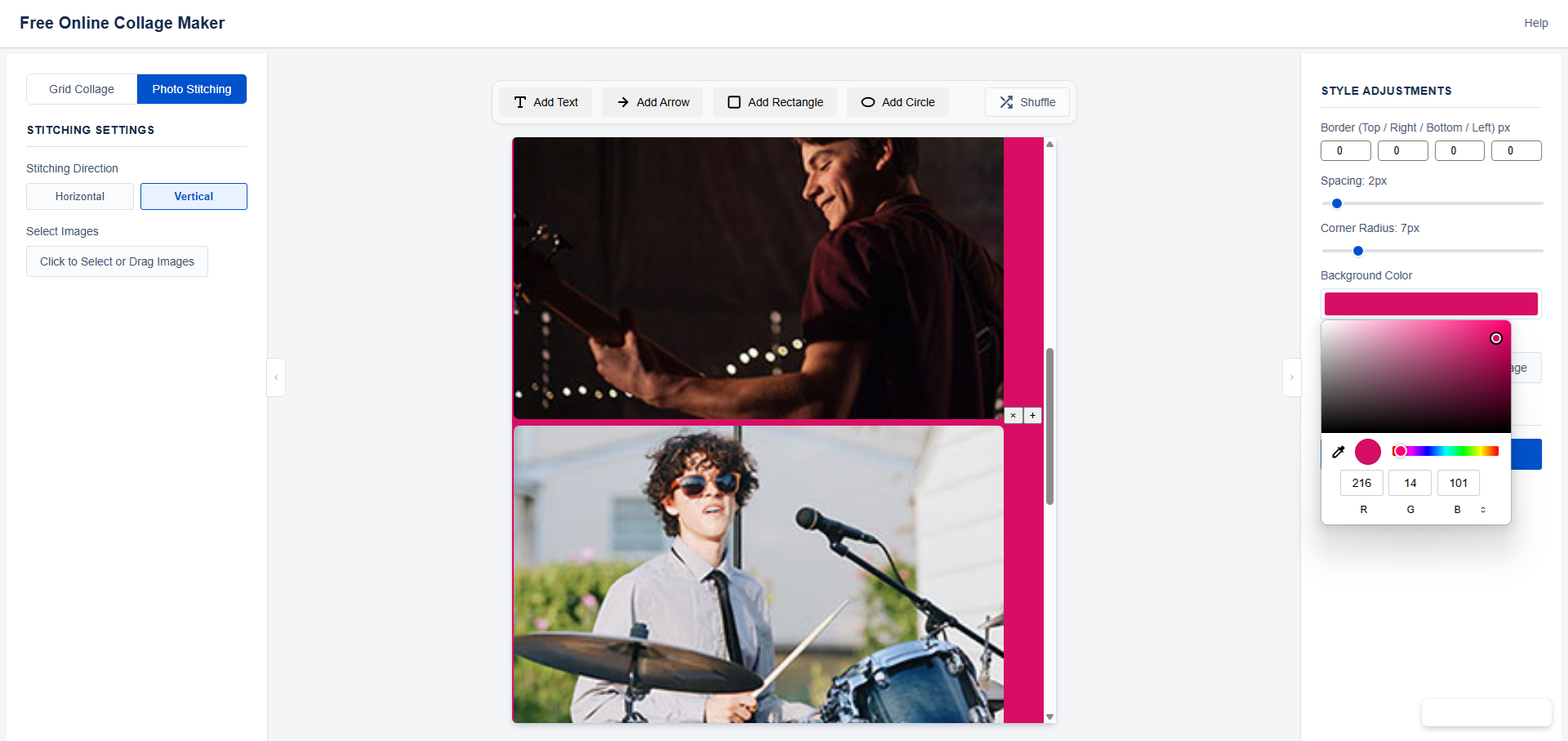
Long Image Stitching — Stitch & Annotate
Easily stitch multiple images into one long picture. Whether it’s chat logs, screenshots, or movie quotes, now you can add rich annotations after stitching.
-
Horizontal & Vertical Support
Switch between stitching directions with one click for different needs. -
Drag Sorting
Drag images directly on the canvas to adjust stitching order—intuitive and efficient. -
(New!) Supports Creative Tools
Now freely add text, arrows, and all annotation tools to your stitched images!
Our Promise: A Free Collage Maker That Respects You
Pure, reliable, and respectful of users—these are our core promises.
Absolute Privacy
All image processing happens locally in your browser. Your photos never leave your device. We do not upload or store any user images.
Forever Free
Core features are permanently free—no VIP tiers or hidden fees. A pure, distraction-free creative environment.
Ready to Use
No tedious registration or login. Open the page and start creating—leave no trace when done.
HD Export
Download high-resolution, watermark-free creations for social sharing or professional use—crisp and clear.
Create Images for Every Platform
Start with a scene-specific preset for thumbnails, short-video covers, Pinterest Pins, blog covers, comparisons, and tutorials. Each page opens the editor with the right canvas shape and layout.
YouTube Thumbnail Maker
16:9 thumbnails with collage layouts, text, and callouts.
Instagram Reel Cover Maker
9:16 vertical covers for Reels and Stories-style posts.
TikTok Cover Maker
Short-video cover images with readable mobile-first layouts.
Pinterest Pin Maker
2:3 Pin images for tutorials, recipes, products, and guides.
Blog Cover Maker
Wide article covers and social preview images.
Before and After Photo Maker
Side-by-side transformation and result images.
Product Comparison Image Maker
Visual product roundups, comparisons, and feature callouts.
Tutorial Image Maker
Step-by-step screenshots, arrows, labels, and process images.
Ready to Make Your First Photo Collage?
Try the free online collage maker trusted by users worldwide — no account, no watermark, no limits.
Start Using for Free →French users can open Collage photo gratuit en ligne for a localized photo collage workflow.